
Amazon FBA fee calculator
Amazon takes a lot before you see a dime. Referral fees, FBA pick and pack, monthly storage, and the surprise fees that show up later. Enter your price, category, weight, and size tier and see what actually lands in your bank.
Pricing right is step one. Getting found is step two.
Once your FBA math works, the next problem is traffic. MagicFit turns your product photos into scroll-stopping UGC videos for Reels and TikTok so you can drive external traffic that Amazon rewards in organic rank.
How to use this Amazon FBA fee calculator
Amazon charges three stacked fees on every FBA order: the referral fee (a percentage of the sale price that varies by category), the FBA fulfillment fee (a fixed amount based on size tier and weight), and monthly storage (based on cubic feet). This calculator gives you a solid estimate of all three. The actual invoice can include extras like aged inventory surcharges, removal fees, or peak season storage premiums that kick in Q4, so keep a buffer.
Use this before you launch a SKU, not after. Most sellers realize too late that their 30 percent gross margin becomes a 2 percent net margin once FBA fees hit. The math gets worse below a $15 price point, where the fulfillment fee eats a disproportionate chunk. If your net after fees is under 25 percent of your selling price, you do not have enough room for COGS plus PPC plus a promo. Either raise the price, bundle to move up tiers, or route the SKU through FBM.
Run this any time Amazon announces a fee change, usually early January and mid year. A small rate bump on a thin SKU is the difference between profit and loss at scale.
Frequently asked questions
Way Too Many High-Converting ads
Your marketing engine, fully loaded with creatives that convert.


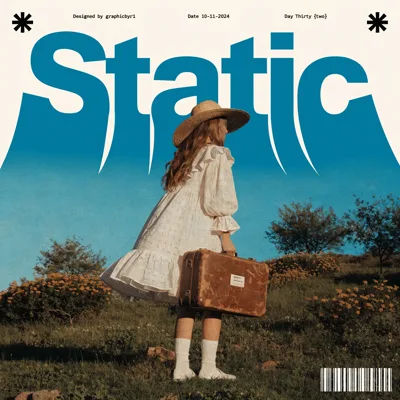





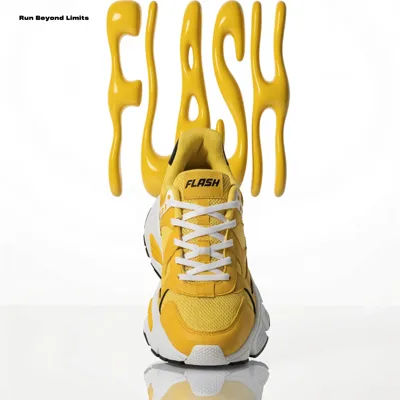










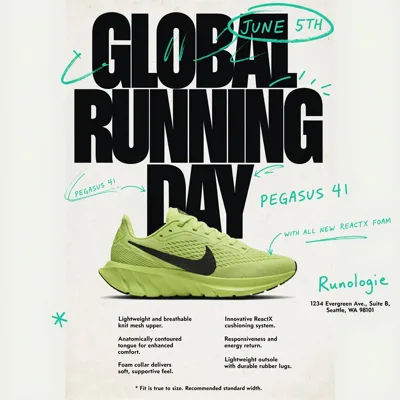





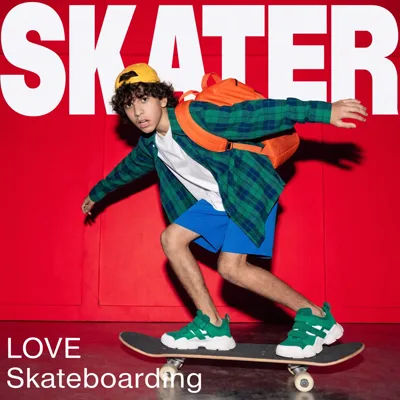








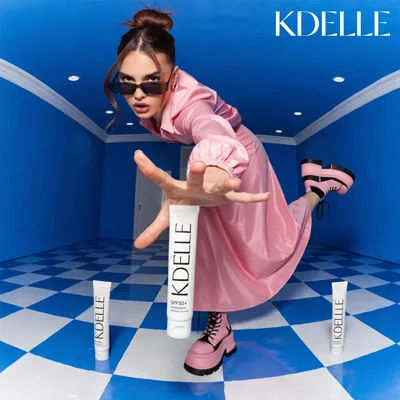

This Is What Winning ads Look Like
Video and static creatives built for performance, across every format, style, and platform.
Ready to drive outside traffic to your FBA listings?
Join 40,000+ brands creating scroll-stopping content in minutes.
Start with free credits